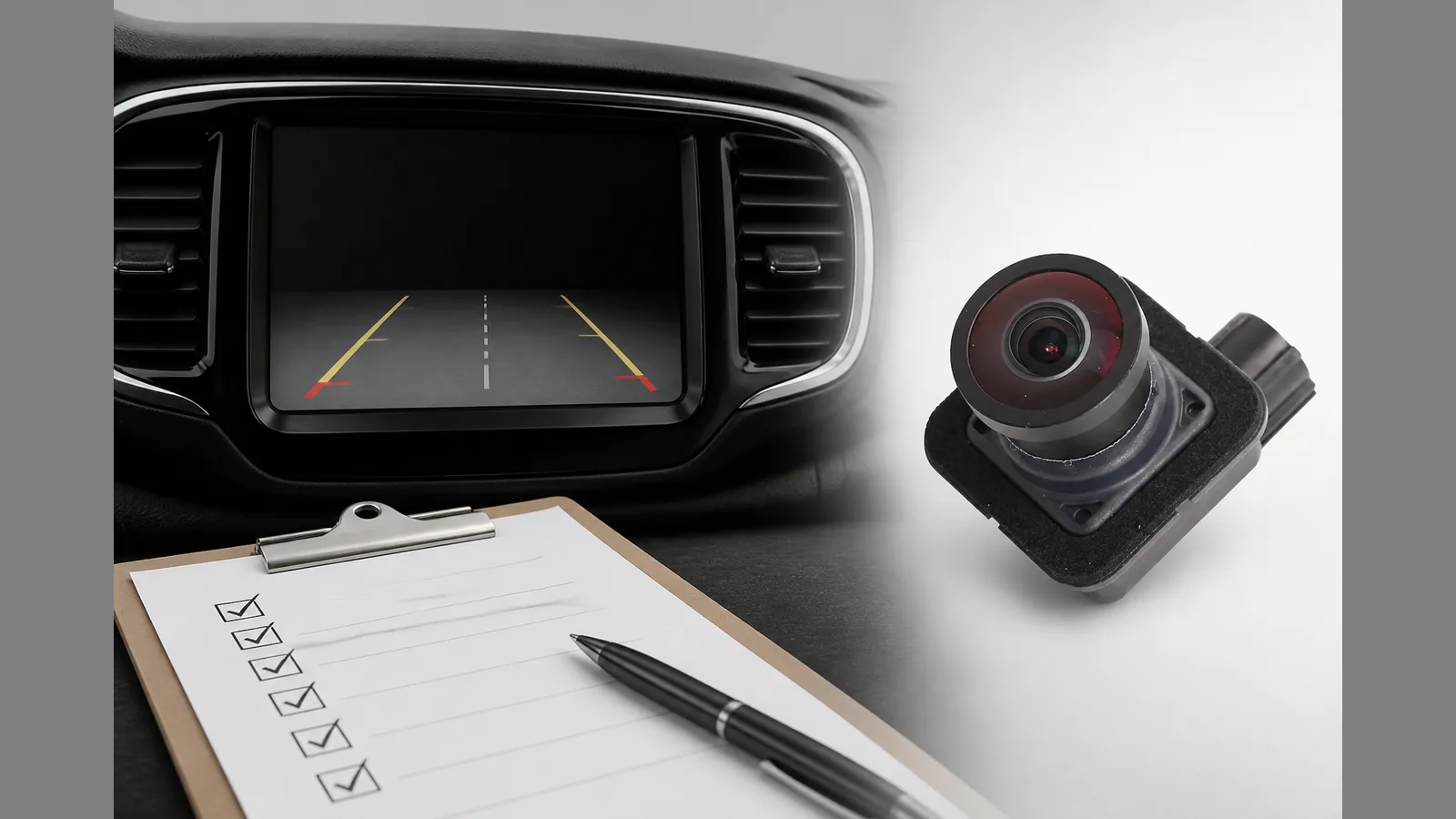
Pacifica backup camera black screen uk: soft Reset Before You Replace (UK)
If you are dealing with a pacifica backup camera black screen uk issue, start with a Uconnect soft reset (volume + tuner) and a simple power-cycle before assuming the camera has failed. Owner reports show a blank reverse-camera display can return after a soft reset, so hardware replacement is not the first step.
Direct answer: try Uconnect soft reset and power-cycle checks first
When the reverse image is blank or missing, try a Uconnect soft reset using the volume and tuner controls, then power-cycle the vehicle and check reverse again. Forum owners have restored a blank reverse-camera display this way before replacing parts. If the screen stays blank after a careful soft reset and power-cycle, move on to symptom sorting rather than jumping straight to a new camera.
Symptom ladder: blank vs Camera System Unavailable
Not every reverse-camera fault looks the same. A black or blank reverse view is one pattern; a Camera System Unavailable message or blue screen is another. Treat them as related but not identical: blank display often points owners toward a soft reset first, while intermittent unavailable or blue-screen messages can also sit in software or configuration rather than a dead camera body.
- Blank / black reverse image: try soft reset and power-cycle before hardware work.
- Camera System Unavailable / blue screen: consider software or config causes, especially if the fault comes and goes.
- Persistent fault after resets: then plan careful physical checks and, if needed, replacement.
When software/config is more likely than a dead camera
Software or configuration is more plausible when the fault is intermittent, when a soft reset restores the image, or when messages such as Camera System Unavailable appear without a constant black screen. Owner discussion also notes that unavailable or blue-screen behaviour can be software/config related rather than a failed camera every time. A dead camera is still possible—but it is not the default conclusion for every blank or unavailable symptom.
Owner forums document soft-reset restoring reverse camera display; hardware replacement remains appropriate after diagnosis.
Safe checks without inventing fuse maps
Keep checks conservative. Confirm reverse is selected, note whether the fault is blank, blue, or an unavailable message, and repeat the Uconnect soft reset once more after a full power-cycle. Avoid guessing dealer-only fault codes or unverified fuse numbers. If you inspect the rear camera area, treat connectors carefully: DIY hatch-trim work on Pacifica reverse cameras is discussed with warnings about brittle connectors and a clear preference to test before full reassembly.
- Record the exact on-screen symptom (blank, blue, or unavailable).
- Perform Uconnect soft reset (volume + tuner), then retest in reverse.
- Power-cycle and retest before any trim removal.
- If you open trim, handle connectors gently and test before reassembly.
When replacement with OE AH/AE/AG is the next step
Replacement is the sensible next step after soft reset, power-cycle, and careful checks still leave a blank or unavailable reverse view. At that point, fitting the correct OE-style rear camera revision (AH / AE / AG as applicable to your vehicle) is appropriate—after diagnosis, not instead of it. If you do the swap yourself, follow a methodical hatch-trim approach, mind brittle connectors, and confirm the image before you put everything back together.
Next step
If diagnosis points to a failed rear camera rather than a resettable display fault, compare the current OE AH/AE/AG options on our Chrysler Pacifica rear backup camera product details page before you order.
FAQ
Does a black Pacifica reverse screen always mean a new camera?
No. Soft resets have restored blank reverse-camera displays for some owners, and intermittent Camera System Unavailable or blue-screen faults can be software or configuration related. Replacement follows when those steps and careful checks do not restore the image.
What should I try for a Uconnect reverse camera blank screen?
Start with the Uconnect soft reset using volume and tuner, then power-cycle and retest in reverse. Only move to trim or camera work if the blank screen remains.
Is Camera System Unavailable the same as a dead camera?
Not necessarily. Intermittent unavailable or blue-screen reports can point to software or config issues rather than a failed camera every time. Use the symptom ladder and resets before deciding on hardware.
Any DIY cautions for Pacifica reverse camera swaps?
Yes: hatch-trim removal guides stress brittle connectors and testing the camera before full reassembly. Use confirmed details fuse numbers or dealer-only codes without verification.